

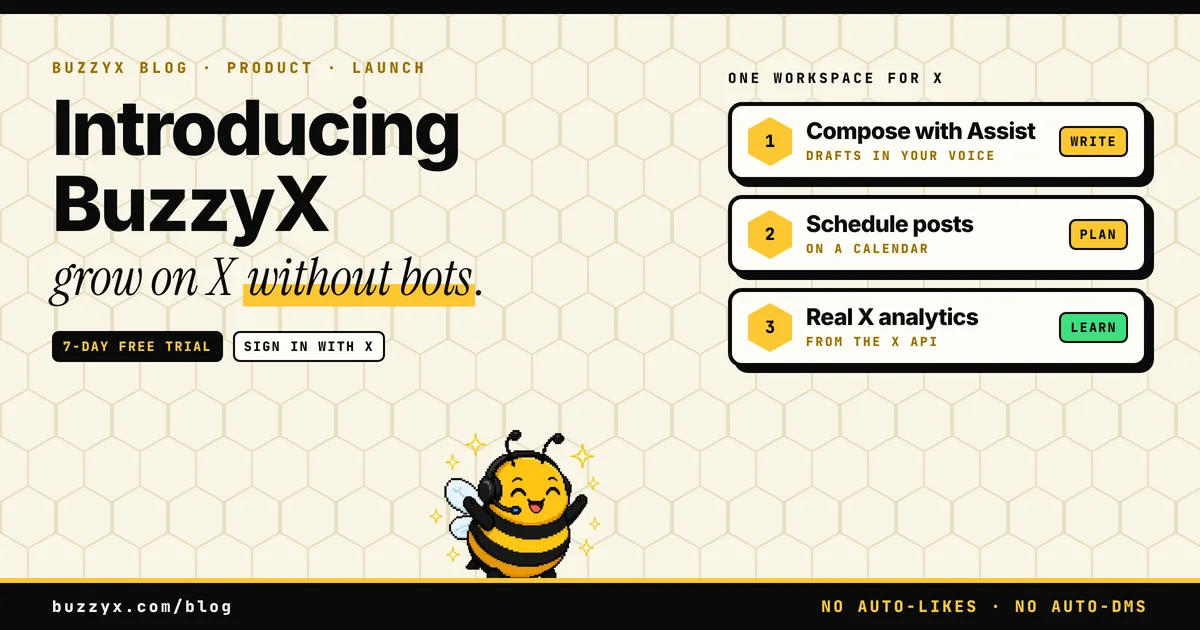
BuzzyX is a workspace for people building an audience on X. You sign in with your X account (no email, no password) and you can try all of it free for 7 days. After that, Pro is $29 a month, or $290 a year.
I built it because I wanted one place to write posts that sound like me, queue them for the week, find conversations worth joining, and see which posts actually landed. Not a bot. Not a growth hack. A workspace.
Write with Assist, in your voice
You write a draft, then ask Assist for a stronger hook, a shorter version, a longer one, or a different tone. Before it suggests anything, it reads your own best recent posts. The point is to keep your words and your habits, not to hand you something that sounds like everyone else.
Every suggestion is a draft. You pick one, edit it, and post. Nothing goes out until you say so. Assist answers in the language of your draft and does not translate it, so you can write in whatever language you post in. The app itself is in English, Spanish, Portuguese (Brazil), Japanese, French and German.
Schedule on a calendar
Your voice only helps if you actually post. Queue posts by day and time in your own time zone. We publish them from our servers, so you do not have to be online at 9am. You can cancel a scheduled post until the moment it goes out.
Pro lets you queue up to 100 posts ahead. Compose shows how many posts you have left today, because daily caps keep the $29 plan honest. X bills us per request, which I wrote up in what the X API costs.
Analytics from the X API
Follower trend, impressions, engagement rate, your top posts for the last 30 days, and the best hours to post, worked out from your own history. Those top posts are also what Assist learns your voice from. No placeholder numbers.
Discover: find posts worth replying to
Discover is live. Search a topic, or open the newest posts from accounts you follow, and it shows recent posts worth joining. You can ask for reply ideas in your voice, edit one, and hit Reply on X. That opens X's own reply box with your text filled in. You send it yourself.
Replies are how small accounts get seen. Discover is there to help you spend your time on conversations that still have room for one more useful reply. I wrote a longer walkthrough in how to find tweets to reply to.
Each account gets one fresh Discover search a day. That limit is on the pricing page, and it exists because a search is a real X API call.
A free Chrome extension, inside X
If you already scroll X in Chrome, there is a free extension. The side panel ranks the posts you pass by how good a chance a reply has right now. It also shows stats for any profile. Ranking, profile stats and saved feeds work without a BuzzyX account.
Reply ideas, your own stats, and Assist inside X's post box use your BuzzyX plan. The extension reads only what x.com already shows you. It never posts, likes, follows or presses X's buttons for you, and it does not use your daily Discover search.
What BuzzyX will not do
BuzzyX never likes, follows, replies or sends DMs on its own. It never posts on its own either. There are no engagement bots, auto-DMs or reply farms. Those break X's automation rules, and they do not grow accounts people want to follow. I wrote more about that choice in why BuzzyX never automates engagement.
Assist suggestions and post ideas are drafts you pick and edit. Posting needs a separate X permission you can remove from Settings at any time.
What it costs, and how to try it
There is one plan: Pro, at $29 a month, or $290 a year, with two months free on the yearly price. It includes Compose with Assist (500 voice-matched suggestions a month), the scheduling calendar, analytics, Discover and the parts of the Chrome extension that need a plan. Growth Playbooks, which are step-by-step plans tied to your analytics, join the same plan when they ship.
You start with a 7-day free trial. Sign in with X, add a card, and nothing is charged today. Cancel before day 7 and you pay nothing.
FAQ
How much does BuzzyX cost?
Pro is $29 a month, or $290 a year, with two months free on the yearly price. You can try everything for 7 days. That is on the pricing page, last updated 7 November 2026.
How does the 7-day trial work?
Sign in with X, add a card, and nothing is charged today. If you keep it, the first charge happens when the trial ends. Cancel before day 7 and you pay nothing. One trial per X account. That is also on the pricing page.
Does BuzzyX post, like, follow or reply for me?
No. It never likes, follows, replies or sends DMs on its own, and it never posts on its own. Assist suggestions are drafts you pick and edit. Posting needs a separate X permission you can remove from Settings. The homepage and pricing FAQ say the same thing.
Is the Chrome extension free?
Yes. Installing it is free, and so are reply ranking, profile stats and saved feeds. Reply ideas, your own stats and Assist inside X's post box use your BuzzyX plan. That is on the extension page.
BuzzyX · X growth workspace
Grow on X with posts that sound like you.
Compose in your voice, schedule the week, find posts worth replying to and read real analytics from the X API. $29/mo after the trial, everything included.